

AI Movie generation
Create short-form cinematic scenes from prompts and image inputs.
Turn a script or a one-line idea into a cinematic, multi-scene film, right on your phone. No cameras, no crew, no editing timeline. Vimore produces the movie scene by scene.
Featured capability
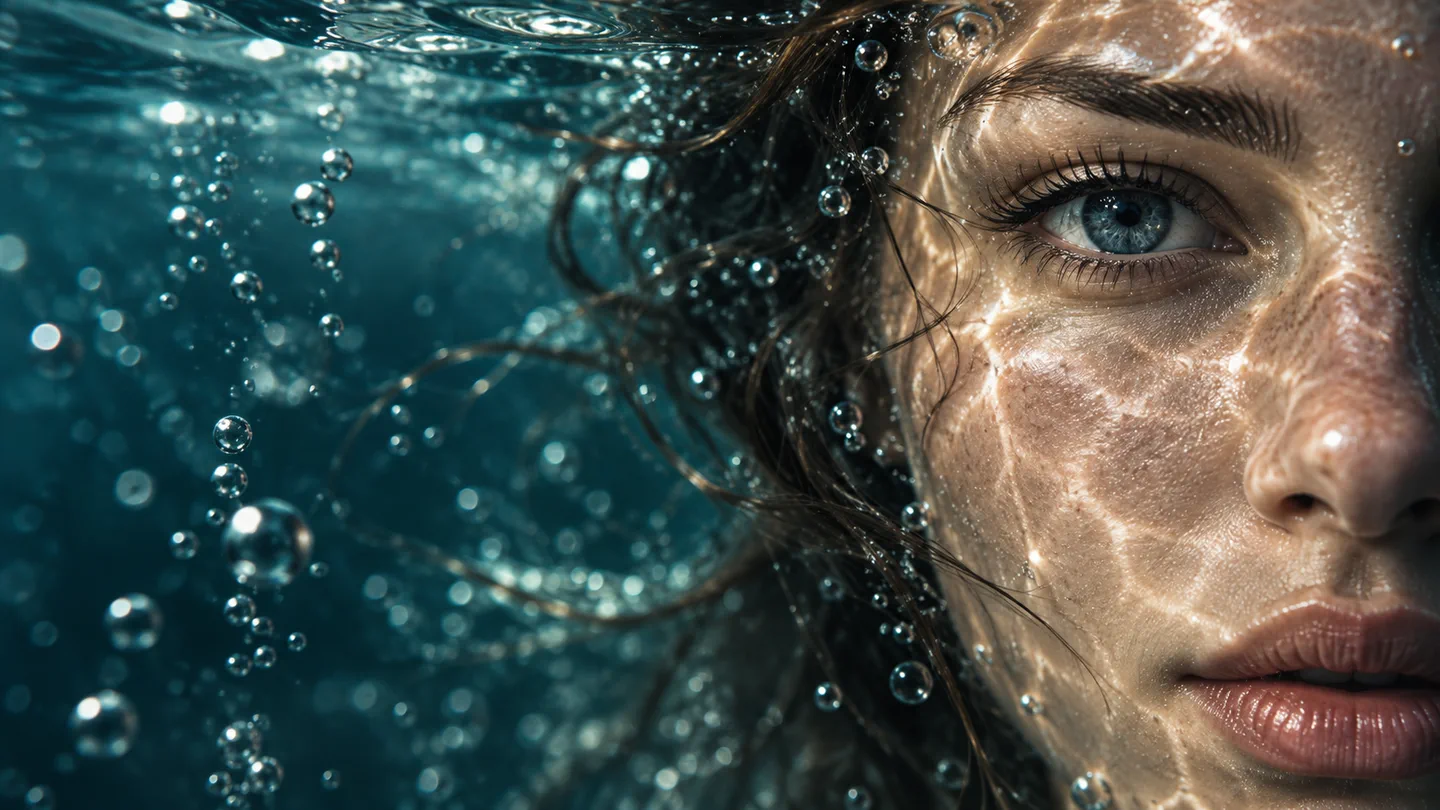
AI Movie is Vimore's primary feature: describe a story, upload a starting frame, and shape the result like a cinematic sequence with mood, movement, and camera direction.
AI Movie can use text instructions, uploaded images, and selected cinematic modes to generate moving visual outputs. Results may vary by prompt, model availability, usage limits, network conditions, and platform policies.
AI Movie toolkit
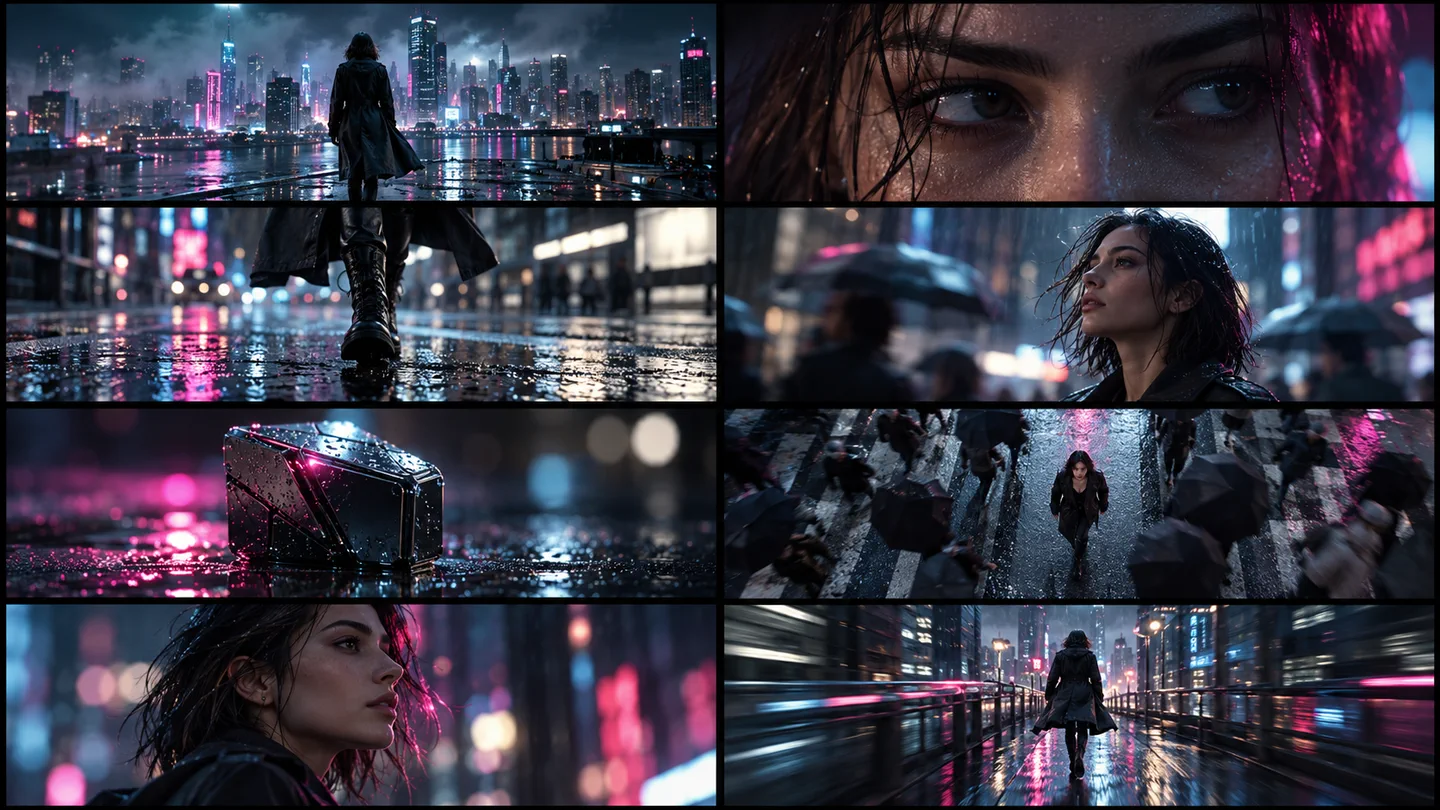
Each tool is designed to help users get from idea to cinematic AI Movie faster: prompt, reference image, motion direction, preview, and export.
Create short-form cinematic scenes from prompts and image inputs.
Use language to guide the story, action, mood, and composition.
Upload images as the first frame or visual reference for an AI Movie.
Explore modes designed for dramatic motion, social clips, and shareable scenes.
Use cases
Vimore is designed for compact cinematic outputs: fast to prompt, easy to revise, and ready for mobile-first creative work.
Draft a visual tone, scene rhythm, and character moment before committing to a full production idea.
Turn a hook or campaign idea into dramatic shots that communicate mood quickly.
Create vertical-friendly cinematic clips for Reels, TikTok, Shorts, and creator posts.
Use a portrait, product, or visual reference as the first frame for a moving sequence.
Generate narrative scenes around a product moment instead of relying on static images.
Try cinematic moods, camera angles, and lighting directions before choosing a final route.
How it works
The workflow is intentionally simple: write, direct, generate, and share.
Start with a script, visual idea, or one-line prompt.
Optionally upload a photo to guide the subject, face, product, or starting frame.
Describe mood, lighting, camera movement, and style in plain language.
Review the output, save your result, and share the AI Movie where you need it.
AI Movie FAQ
Quick answers about generation, photo inputs, data processing, and subscriptions.
Yes. Describe a scene, mood, camera direction, or story beat. Vimore may send the prompt to disclosed AI model providers to create visual outputs, and results can vary between generations.
Yes. A photo can guide image-to-video generation, a starting frame, or a face-aware effect. How uploaded images and Face Data are processed and retained is explained in the Face Data section of the Privacy Policy.
Subscriptions use Apple in-app purchase on iOS and Google Play Billing on Android. Renewals, cancellations, receipts, and refund requests are handled by the store where the purchase was made. See the refund policy for details.
Privacy by disclosure
Vimore's policies explain how prompts, photos, face-containing inputs, generated AI Movie outputs, subscriptions, login, and refund routes are handled for mobile app review.
AI Movie prompts, uploaded images, generated outputs, and limited technical metadata may be processed through third-party AI providers, including Seedance, GPT, and similar model APIs.
Face-containing images may be uploaded only to provide requested AI Movie or related creative effects. Cloud and third-party processor retention is limited as described in the policy, including a 7-day third-party period.
Subscriptions, renewals, cancellations, receipts, and refunds are handled through Apple in-app purchase on iOS and Google Play Billing on Android.